

Demystifying SVG Files: What They Are and Why They Matter
Welcome to the vibrant world of SVG files, where creativity meets technology. Ever wondered what SVG files are, and why they are so crucial in the digital realm? Let's embark on a journey of understanding SVG files, unveiling their significance and potential.
SVG, or Scalable Vector Graphics, is a file format that allows for two-dimensional graphics to be displayed on the web. Unlike other image formats, SVGs are not pixel-based, but rather, they are composed of vectors. This means they can be scaled up or down without losing any quality, making them a favorite among web designers and artists. 
But why do SVG files matter? Well, in the digital age, where the visual appeal of a website or application can make or break user experience, SVG files are a game-changer. They provide crisp, clear images that are fully responsive, ensuring that your graphics look stunning on any device, at any size. Now, isn't that something worth exploring?
Whether you're looking to open SVG files, edit them in Illustrator, or modify them to suit your needs, this SVG file guide is your ultimate companion. From free online SVG file editors to comprehensive tips and tricks, we've got you covered. So, are you ready to harness the power of SVG files and take your digital creations to the next level?
Join us as we delve deeper into the fascinating world of SVG files, and transform from a novice to an expert. Let's start this exciting journey of discovery, and unleash the true potential of SVG files together.
Opening SVG Files: A Step-by-Step Guide
Now that we've dipped our toes into the vast ocean of understanding SVG files, let's dive a little deeper. How do we open these magical, scalable images? Fear not, for the process is simpler than you might think. This step-by-step guide will illuminate the path to opening SVG files, making it as easy as a gentle sea breeze.
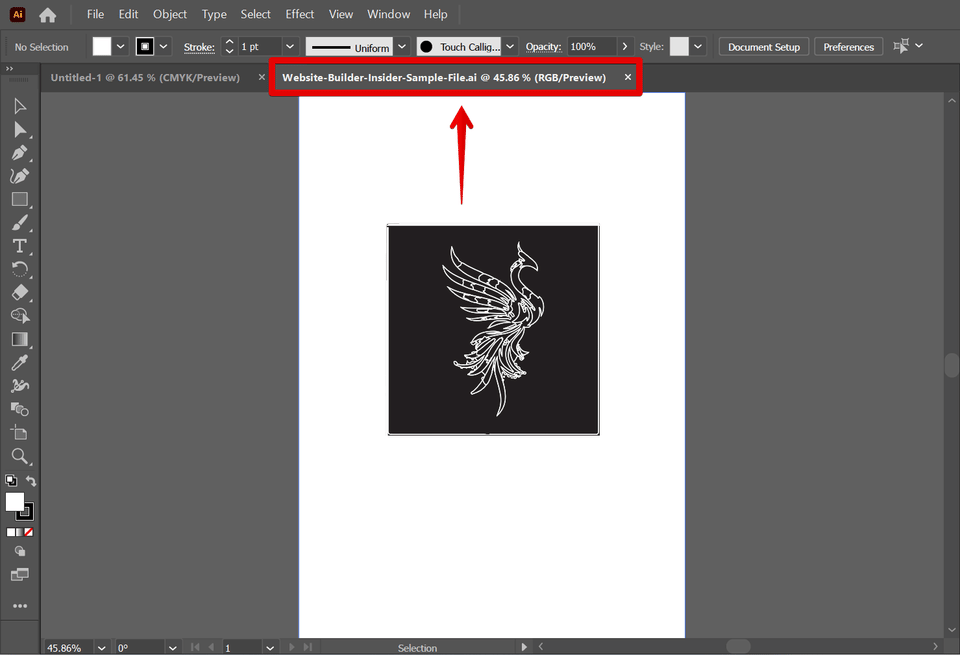
First, you'll need an SVG file editor. Adobe Illustrator is a popular choice, but there are also numerous free and online SVG file editors available. Once you've chosen your tool, it's time to get started. Simply click on 'File', then 'Open', and select your SVG file. Voila! Your SVG file is now open and ready for you to explore and manipulate.
But what if you want to edit SVG images in Illustrator? Again, the process is straightforward. With your SVG file open in Illustrator, you can use the various tools available to modify the image. You can change colors, resize elements, add text, and so much more. The power to transform the image is at your fingertips. 
Remember, the beauty of SVG files lies in their flexibility. You can scale them, twist them, and turn them, all without losing any quality. Isn't that a breath of fresh air in the pixelated world of digital images?
So, whether you're a seasoned designer or a beginner dipping your toes into the digital art world, opening and editing SVG files doesn't have to be a daunting task. With this SVG file guide, you're well on your way to mastering the art of using SVG files. So, what are you waiting for? Dive in and let your creativity flow!
Editing SVG Files: Harnessing the Power of Adobe Illustrator
Imagine holding a magical paintbrush that allows you to transform a simple image into a masterpiece. That's what it feels like when you edit SVG files in Illustrator. Adobe Illustrator, a powerful SVG file editor, is your canvas and toolkit, all rolled into one. It's here where the true power of understanding SVG files comes to life.
So, how do you harness this power? Start by opening your SVG file in Illustrator. Once open, a world of possibilities unfolds before your eyes. The toolbar, your magic wand, is filled with options to modify SVG files. Want to change the color of an element? Easy. Need to resize a shape? No problem. Feel like adding some text? Go right ahead. Illustrator is designed to make the process of editing SVG images as intuitive and creative as possible.
But it's not just about making changes. It's about making your SVG file truly your own. With Illustrator, you can add layers, apply effects, and even create 3D objects. The only limit is your imagination. And remember, no matter how much you twist, turn, or transform your SVG file, it will never lose its quality. That's the beauty of SVG files, and it's why they're such a vital tool in the digital art world.
So, are you ready to take your SVG files to the next level? With this SVG file guide and Adobe Illustrator by your side, there's nothing stopping you. Whether you're a seasoned designer or a beginner, the journey to mastering SVG files is an exciting one. So, why not start today? After all, every masterpiece begins with a single stroke.
Modifying SVG Images: Techniques and Tips for Success
Stepping into the realm of modifying SVG images is like unlocking a secret door to an artist's studio. Here, you're not just an observer, but a creator, shaping your SVG files into unique works of art. This is the essence of understanding SVG files and the power they hold.
Imagine this: You've just opened your SVG file in Illustrator. It's a blank canvas, waiting for your touch. But where do you start? The answer lies in the toolbar, your artist's palette filled with tools to edit SVG images.
Perhaps you want to change the color of an element. With a few clicks, your image transforms, taking on a new hue. Or maybe you want to resize a shape. With a simple drag, your shape morphs, growing or shrinking to fit your vision. And if you're feeling particularly creative, why not add some text? Just select the text tool, click on your canvas, and let your words flow.
But the true beauty of modifying SVG images lies in the details. With Illustrator, you can add layers, apply effects, and even create 3D objects. It's like having an entire art studio at your fingertips. And the best part? No matter how much you modify your SVG file, it will never lose its quality. That's the magic of SVG files.
So, are you ready to dive in and start editing SVG files? With this SVG file guide, you're well on your way to becoming a master artist. Remember, every masterpiece starts with a single stroke. So why not make yours today?
Whether you're a seasoned designer or just starting out, there's no limit to what you can create. So, grab your digital paintbrush and start exploring the world of SVG files. Who knows what masterpieces await?

Editing SVG Files: Harnessing the Power of Illustrator
As we continue our journey into the realm of understanding SVG files, we find ourselves at the gates of creativity - the art of editing SVG files. With the power of Adobe Illustrator, you can harness the potential of SVG files and transform them into your own artistic masterpieces. So, how do we edit SVG file in Illustrator? Let's unravel this mystery together.
Imagine your SVG file as a canvas, and Illustrator as your palette of tools. With your SVG file open in Illustrator, you're free to paint your vision onto this digital canvas. Want to change the color of an element? Easy. Need to resize a part of the image? No problem. Fancy adding some text? You got it. Illustrator offers a plethora of tools to edit SVG images and bring your creative ideas to life.
But that's not all. Remember, SVG files are like digital clay - you can mold them, scale them, and twist them without losing any quality. This means you can experiment with your design as much as you want, without worrying about pixelation or loss of detail. Isn't that liberating?
So, whether you're a seasoned artist or a novice designer, don't be intimidated by the prospect of editing SVG files. With Illustrator, you can modify SVG file with ease and confidence. And with this SVG file guide, you're not just learning how to use SVG files - you're learning how to master them.
So, are you ready to harness the power of Illustrator and start creating your own SVG masterpieces? Remember, the only limit is your imagination. So, let your creativity flow and start editing SVG in Illustrator today!
Modifying SVG Images: Tips and Tricks for a Seamless Experience
As we delve deeper into the world of SVG files, we now find ourselves ready to explore the art of modifying these digital canvases. You've learned how to open and edit SVG files in Illustrator, but what about making more intricate changes? Fear not, for this part of our SVG file guide is dedicated to helping you master the art of modifying SVG images for a seamless experience.
Think of your SVG file as a malleable piece of art. Want to add a gradient effect to your shapes? Or perhaps you wish to apply a filter to your image? With Illustrator, you can do all this and more. The key is to understand that every element in your SVG file can be individually manipulated. You can twist, turn, and transform these elements to your heart's content, creating a piece of digital art that is uniquely yours.
But what if you don't have Illustrator? Is there a way to edit SVG file online for free? Absolutely! There are numerous SVG file editor free options available online. These online editors may not offer as many features as Illustrator, but they are perfect for quick edits and modifications. Plus, they allow you to edit your SVG files anywhere, anytime.
Remember, the beauty of SVG files lies in their flexibility. You can scale them, rotate them, and even animate them without losing any quality. So, don't be afraid to experiment. Play around with different tools and techniques. After all, isn't that what art is all about?
So, are you ready to take your SVG editing skills to the next level? With this guide, you're not just understanding SVG files - you're learning how to transform them into stunning pieces of digital art. So, go ahead, let your creativity run wild and start modifying your SVG images today!
Free SVG File Editors: Top Picks for Quality and Convenience
Stepping into the realm of Free SVG File Editors, we're about to unveil the top picks that perfectly blend quality and convenience. If you're wondering how to use SVG files without Illustrator, you're in the right place. These tools are your allies in the journey of understanding SVG files and transforming them into digital masterpieces.
Imagine you're on the go, and you need to make a quick edit to your SVG file. You don't have Illustrator installed on your device, and you're in a bit of a pickle. What do you do? You turn to a free, online SVG file editor. These platforms are designed to offer a seamless editing experience, even when you're miles away from your primary workstation.
One such tool is SVG-Edit. It's a web-based, open-source editor that allows you to draw and modify SVG files right in your browser. You can create shapes, add text, and even apply filters. It may not have all the bells and whistles of Illustrator, but it's a fantastic tool for quick edits and modifications. 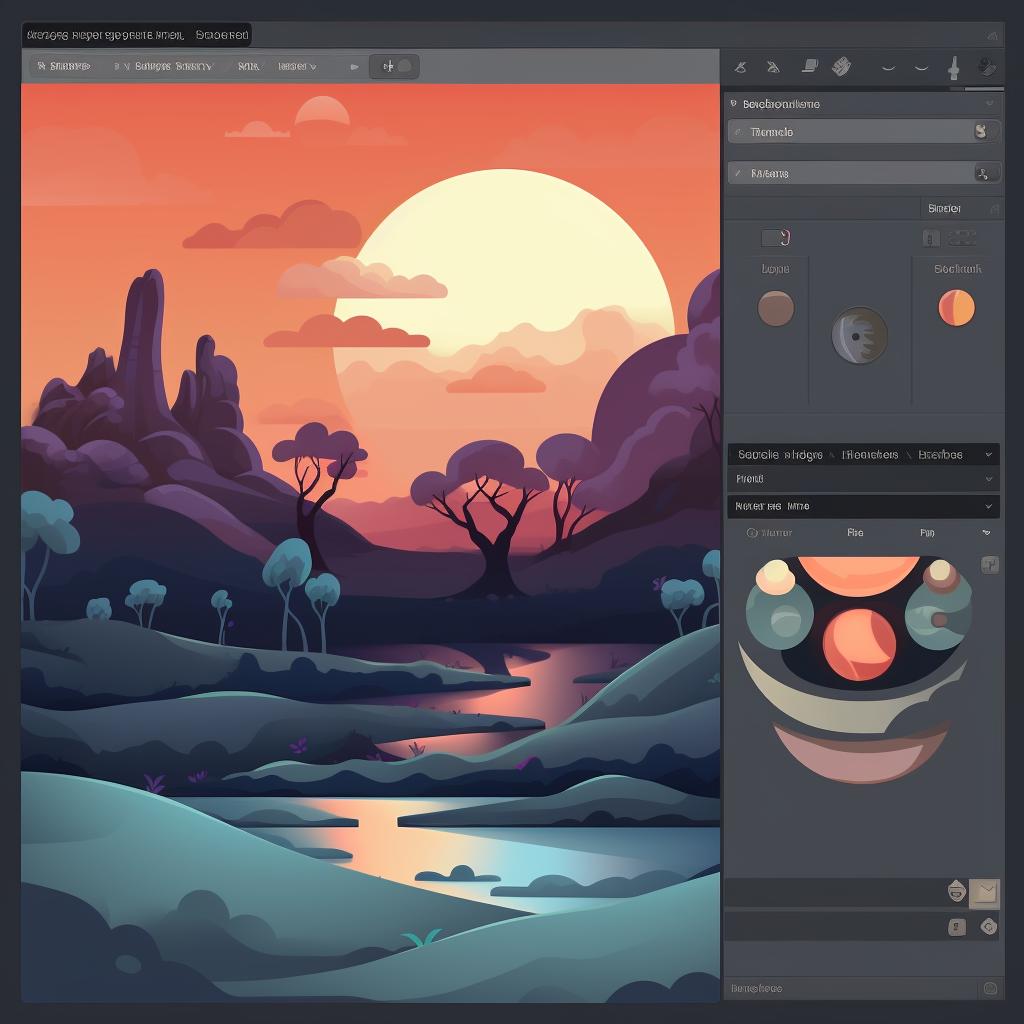
Another top pick is Inkscape. This free, open-source editor is packed with features that rival Illustrator. You can edit SVG images, apply gradients, and even create complex vector graphics. It's a powerful tool that's perfect for those who want more control over their SVG files. 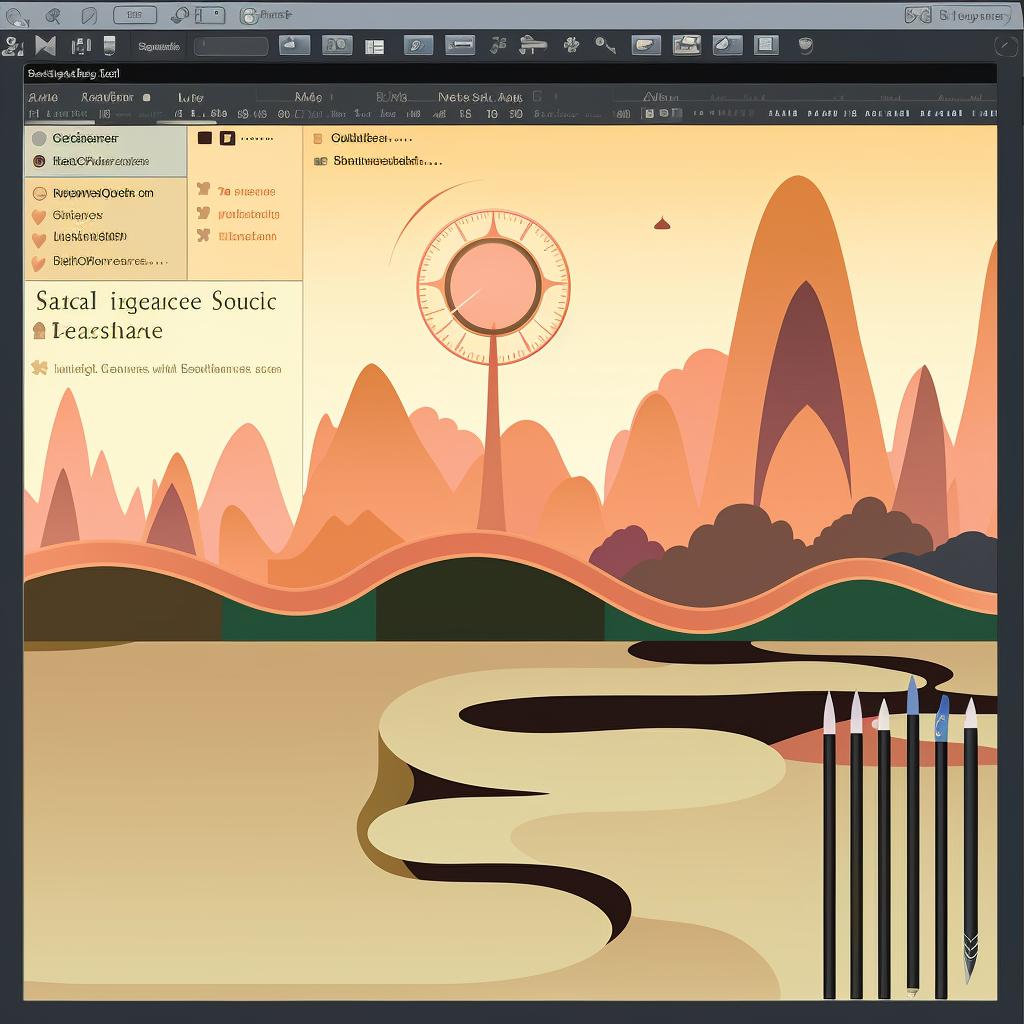
Remember, the journey of mastering SVG files isn't just about understanding them—it's about finding the right tools to bring your visions to life. Whether you're making a quick edit or creating a complex piece of digital art, these free SVG file editors are here to help. So, why not give them a try? You might just find your new favorite tool.
How to Edit SVG Files Like a Pro
Now that you've mastered opening SVG files, it's time to delve into the art of editing them. This is where the true magic happens, as you breathe life into your SVG files, shaping them into the images of your dreams. So, how do you edit SVG files like a pro? Let's embark on this journey together.
Firstly, ensure you have your SVG file open in your chosen editor. With the canvas of your SVG file spread before you, the possibilities are endless. You can change colors, resize elements, add text, and so much more. The power to transform the image is at your fingertips.
Let's say you want to change the color of an element. Simply select the element, go to the color palette, and choose your desired hue. Want to resize an element? Just click on it, drag the corners, and watch it grow or shrink to your liking. Adding text is as easy as selecting the text tool, clicking on your canvas, and letting your words flow. 
Remember, the beauty of SVG files lies in their flexibility. You can twist and turn them, scale them up or down, all without losing any quality. This is the true power of understanding SVG files.
But what if you make a mistake? Fear not! Most SVG editors have an undo function, allowing you to easily rectify any errors. And remember, practice makes perfect. The more you experiment with editing SVG files, the more comfortable you'll become.
So, are you ready to take your SVG file skills to the next level? With this SVG file guide, you're well-equipped to start editing SVG files like a pro. So, what are you waiting for? Dive in, explore, experiment, and let your creativity soar!
Saving SVG Files: Best Practices and Tips
Now that you've discovered the joy of editing SVG files, it's time to learn about the best practices for saving them. After all, what good is all that hard work if you can't preserve it for future use? With this part of our SVG file guide, you'll master the art of saving SVG files in no time.
Firstly, remember that saving your work regularly is crucial. This way, you won't lose your progress if your system crashes or you accidentally close your editor. Most SVG editors have an auto-save feature, but it's always good to manually save your work as well. To do this, simply go to the 'File' menu and select 'Save' or 'Save As'.
When saving your SVG files, you might notice different options like 'SVG', 'SVGZ', or 'SVG Compressed'. What's the difference? Well, 'SVGZ' or 'SVG Compressed' files are just zipped SVG files. They're smaller in size, which can be useful if you're dealing with large, complex SVG files. However, not all programs support SVGZ files, so it's usually best to stick with the standard 'SVG' format.
Another tip when saving SVG files is to use descriptive file names. This might seem trivial, but it can save you a lot of time when you're trying to find a specific file among hundreds of others. So, instead of 'image1.svg', why not try something like 'red-flower-design.svg'?
Lastly, always remember to save your SVG files in a dedicated folder. This way, you can easily locate your work and keep your files organized. Plus, it's a great way to keep track of your progress as you continue to explore the wonderful world of SVG files.
So, are you ready to take the next step in your SVG journey? With these tips, you're well-prepared to save SVG files like a pro. Remember, understanding SVG files is not just about knowing how to open or edit them, but also about learning how to save and organize them effectively. So, go ahead, let your creativity flow, and rest assured that your masterpieces will be safely stored for future use.
Exploring the Versatility of SVG File Applications
As we journey further into the captivating world of SVG files, we now turn our attention to the versatility of SVG file applications. The beauty of SVG files lies not only in their ability to be opened, edited, and saved with ease, but also in their adaptability across various platforms and applications. This versatility is what makes understanding SVG files an exciting adventure.
Imagine being able to design a logo on your desktop, then seamlessly integrate it into a mobile app, a website, or even a billboard. With SVG files, this is not just a dream, but a reality. SVG files maintain their quality regardless of the platform they're displayed on, making them a favorite among designers and developers alike. How's that for versatility?
But that's not all. SVG files are also interactive and scriptable. This means you can manipulate them using JavaScript to create animations or interactive graphics. Imagine a website banner that responds to a user's mouse movements, or a data visualization that changes in real-time. Isn't it fascinating how SVG files can bring your designs to life?
And let's not forget about SVG converters. These handy tools allow you to transform other file formats into SVGs, or vice versa. So, if you have a PNG image that you want to convert into an SVG, or an SVG that you want to save as a JPEG, an SVG converter is your best friend. 
As you can see, the applications of SVG files are as diverse as they are exciting. Whether you're a graphic designer, a web developer, or just someone who loves to create, SVG files offer endless possibilities. So, why not dive in and start exploring the versatility of SVG files today?
Remember, the journey of understanding SVG files doesn't end here. In the next section, we'll delve into real-world examples of how SVG files are being used to create stunning visuals and interactive experiences. So, stay tuned and continue to unleash your creativity with SVG files!
Harnessing the Power of SVG Files: Real-World Examples
As we delve into the realm of real-world examples, let's take a moment to appreciate the transformative power of SVG files. Have you ever marveled at the crisp, clear logos of your favorite brands, regardless of whether you're viewing them on your smartphone or a giant billboard? That's the magic of SVG files at work. Their scalability ensures that they maintain their quality across all platforms, making them an essential tool in the world of branding and design.
Consider the interactive infographics that you come across on news websites or educational platforms. These graphics, which change and adapt based on user interaction or real-time data, are often created using SVG files. By harnessing the power of SVG files, designers can create dynamic visuals that not only look great but also provide an engaging user experience. 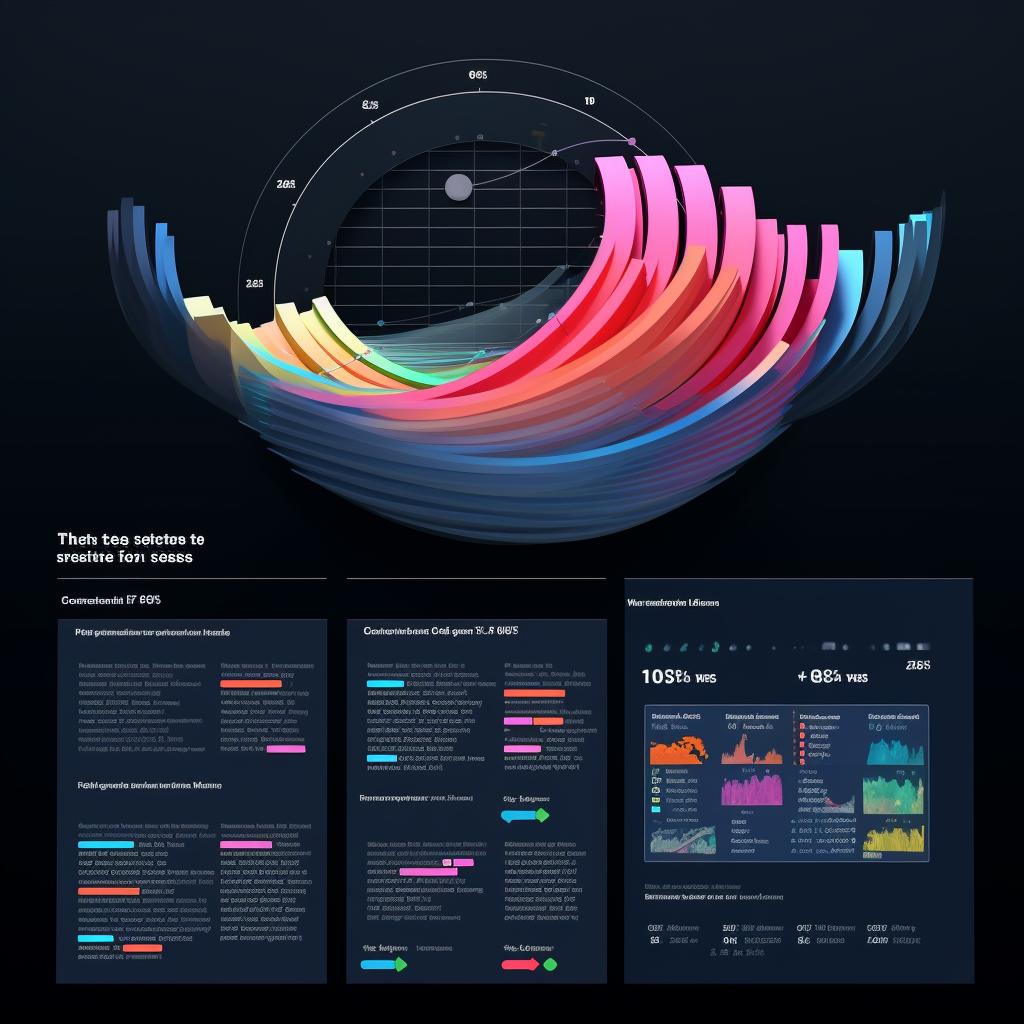
And what about the animations that add life to a website? From subtle hover effects to complex animated illustrations, SVG files play a crucial role in web animation. Because SVG files are scriptable, developers can use JavaScript to manipulate them, creating animations that are both visually stunning and performance-friendly.
But the power of SVG files extends beyond the digital world. Ever noticed the intricate designs on product packaging, or the detailed illustrations in a printed magazine? These are often created using SVG files. Because SVG files are vector-based, they can be scaled up or down without losing any detail, making them perfect for print design.
From the digital realm to the physical world, SVG files are transforming the way we create and consume visual content. Whether you're a professional designer or a creative enthusiast, understanding SVG files can open up a world of possibilities. So, why not start harnessing the power of SVG files today?
As we continue our journey into the SVG file guide, remember that the power of SVG files lies not just in their technical capabilities, but also in the creativity they unleash. So, keep exploring, keep experimenting, and most importantly, keep creating. Because with SVG files, the only limit is your imagination.
Your SVG File Questions Answered: Common Queries and Solutions
Stepping into the world of SVG files can feel like unlocking a secret door to a universe of infinite creative possibilities. But, like any new journey, it's natural to have questions. Let's address some of the common queries that you might have while understanding SVG files.
Perhaps you're wondering, "How do I open SVG files?" The beauty of SVG files lies in their versatility. You can open SVG files in a variety of applications, from web browsers to graphic design software. In fact, opening SVG files is as simple as double-clicking on them!
Or maybe you're curious about "How to edit SVG files?" SVG files are fully editable, allowing you to tweak every line, curve, and color to your heart's content. You can use a text editor to modify the SVG code directly, or a graphic design tool to manipulate the visual elements. The choice is yours!
And what about saving SVG files? When it comes to "How to save SVG files," remember to always choose the 'SVG' format when saving your work. This ensures that your file retains its vector properties, allowing it to be scaled without losing quality.
Finally, you might be pondering over the different "SVG file applications." From creating responsive web designs and interactive infographics to crafting high-quality print designs, the applications of SVG files are as vast as your imagination.

As we conclude our journey through this SVG file guide, remember that the magic of SVG files lies not just in their technical capabilities, but also in the creative freedom they offer. So, don't be afraid to experiment, to explore, and to push the boundaries of what's possible. Because with SVG files, the canvas of creativity is truly limitless.
So, are you ready to start your SVG adventure? Remember, every question is a stepping stone to greater understanding. So, keep asking, keep learning, and most importantly, keep creating. Because the world of SVG is waiting for you to make your mark. Let's start creating!



No comments yet. Be the first to share your thoughts!