


Understanding AI to SVG Conversion: Why It Matters for Modern Designers
In the rapidly evolving digital landscape of 2024, the ability to convert AI to SVG has become an essential skill for designers working across multiple platforms. Adobe Illustrator (AI) files, while powerful for design creation, often need to be converted to SVG format to ensure maximum compatibility and performance in web environments.
SVG (Scalable Vector Graphics) files offer distinct advantages over proprietary AI formats. They maintain vector quality at any scale, load faster in web browsers, and provide better accessibility for screen readers. Most importantly, SVG files can be directly embedded in HTML, styled with CSS, and manipulated with JavaScript, making them indispensable for modern web design.
AI vs SVG File Format Comparison for Designers
| Characteristic | Adobe Illustrator (AI) | Scalable Vector Graphics (SVG) | Impact on Web Design |
|---|---|---|---|
| File Size | Typically 2-5x larger due to proprietary data | Optimized for web, 40-60% smaller | Faster page load times with SVG |
| Browser Support | Not supported natively | Supported by 98%+ of modern browsers | Universal compatibility across platforms |
| Editability | Requires Adobe Illustrator or compatible software | Editable with code editors, browsers, and design tools | Greater flexibility for developers and designers |
| Web Compatibility | Must be converted for web use | Direct HTML embedding supported | Seamless integration with CSS and JavaScript |
| Scalability | Vector-based, infinite scalability | Vector-based, infinite scalability | Perfect for responsive design across devices |
| Animation Support | Limited to Adobe ecosystem | Native CSS and JavaScript animation support | Enhanced user experience with interactive elements |
| SEO Benefits | Not indexable by search engines | Text content is searchable and indexable | Improved search engine visibility |
| Accessibility | No screen reader support | Full screen reader and assistive technology support | Better compliance with web accessibility standards |
The conversion process from Adobe Illustrator to SVG involves several considerations that can significantly impact the final output quality and file performance. Understanding these factors before beginning the conversion process will help you achieve optimal results for your specific use case.
Key Benefits of Converting AI Files to SVG
When you convert AI files to SVG format, you unlock several advantages that make your designs more versatile and web-friendly. SVG files are inherently scalable, meaning they maintain crisp edges and sharp details at any size without pixelation. This scalability is crucial for responsive web design, where graphics need to look perfect on everything from mobile screens to large desktop displays.
Additionally, SVG files typically have smaller file sizes compared to raster alternatives, leading to faster website loading times and improved user experience. Search engines can also index SVG content, potentially boosting your site's SEO performance when graphics contain relevant text elements.
Common Challenges in Vector File Conversion
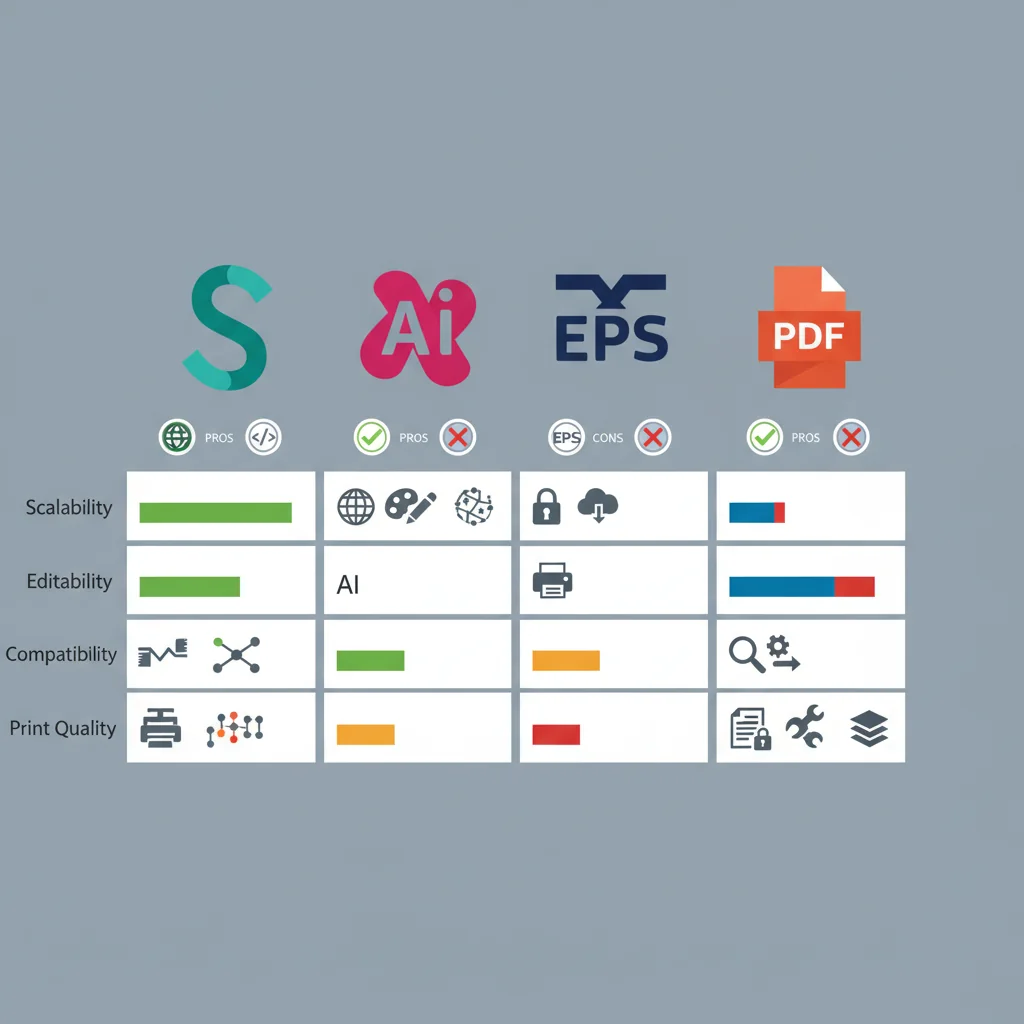
While vector file conversion from AI to SVG is generally straightforward, designers often encounter specific challenges that can affect the final output. Complex gradients, custom fonts, and certain effects may not translate perfectly during conversion. Understanding these limitations helps you prepare your AI files appropriately before conversion.
Text elements require special attention during conversion. Adobe Illustrator's proprietary text features may not have direct SVG equivalents, potentially causing font substitution or layout shifts. Similarly, advanced effects like drop shadows or complex blending modes might be simplified or removed entirely during the conversion process.
Choosing the Right Conversion Method
The landscape of SVG converters in 2024 offers multiple pathways for converting AI files, each with distinct advantages and limitations. Your choice of conversion method should align with your specific requirements, including desired output quality, file size constraints, and workflow integration needs.
Adobe Illustrator remains the gold standard for AI to SVG conversion, offering the most control over output settings and maintaining the highest fidelity to the original design. However, online conversion tools have evolved significantly, providing viable alternatives for designers who need quick conversions or don't have access to Adobe Creative Suite.
When evaluating conversion options, consider factors such as batch processing capabilities, output customization options, and support for advanced AI features. Some converters excel at maintaining complex artwork integrity, while others prioritize file size optimization for web use.

Preparing Your AI Files for Optimal Conversion
Successful AI to SVG conversion begins with proper file preparation. Before initiating any conversion process, review your AI file structure and make necessary adjustments to ensure the best possible output quality. This preparation phase is crucial for maintaining design integrity and avoiding common conversion issues.
Start by organizing your artboard content and removing unnecessary elements that might complicate the conversion process. Ensure all fonts are properly embedded or outlined, and verify that your color profiles are appropriate for web use. These preliminary steps significantly impact the final SVG quality and compatibility across different platforms and applications.
Converting AI Files to SVG: Step-by-Step Methods
Converting AI files to SVG can be accomplished through multiple methods, each suited to different workflow requirements and technical expertise levels. Whether you're working within Adobe Creative Suite or seeking alternative solutions, understanding these conversion approaches will streamline your design process and ensure optimal output quality.
Method 1: Native Adobe Illustrator Export
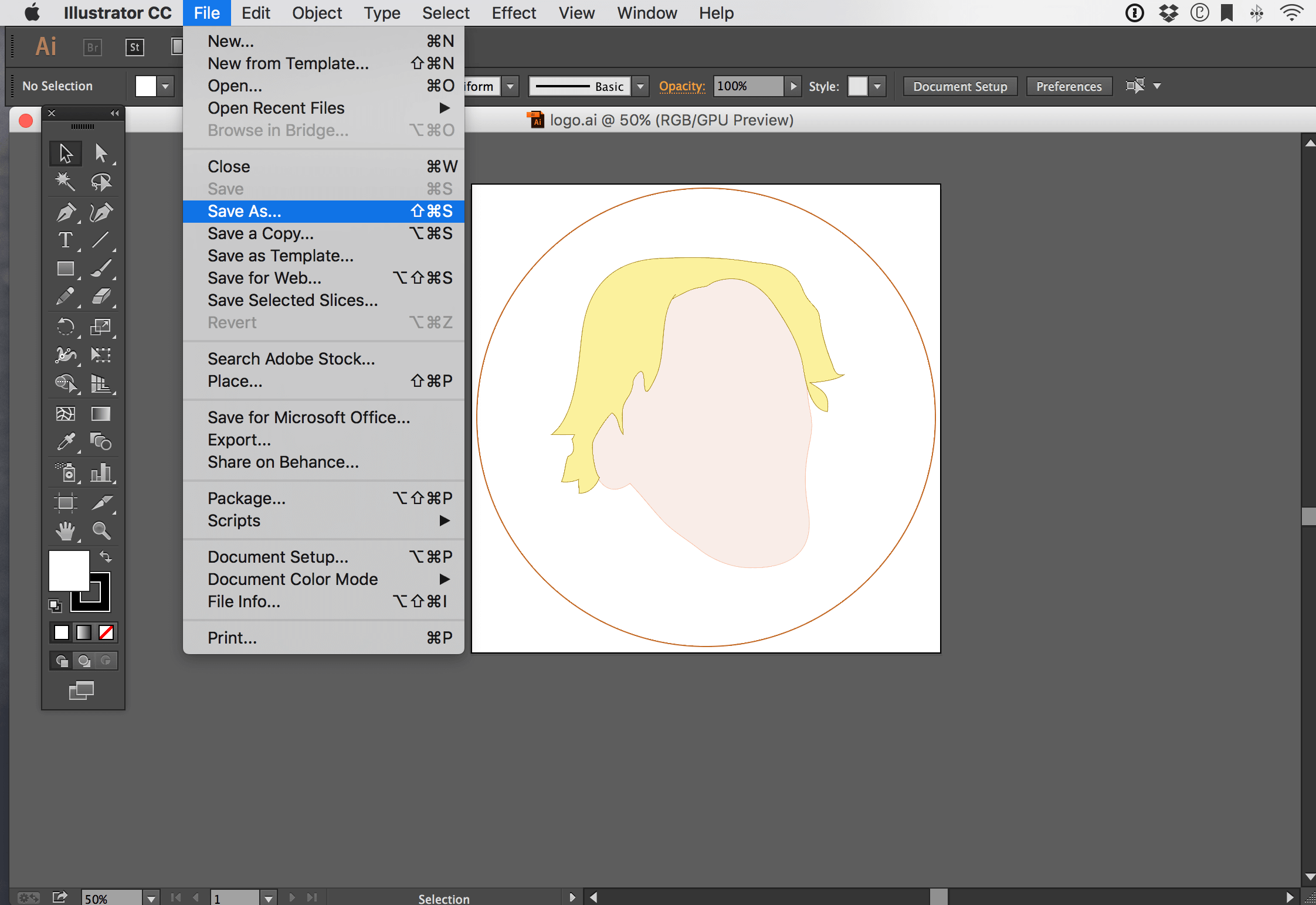
The most reliable method for Adobe Illustrator to SVG conversion utilizes the software's built-in export capabilities. This approach maintains the highest fidelity and provides comprehensive control over the conversion parameters.
Adobe Illustrator's native export function offers several advantages for professional designers. The software preserves complex vector paths, gradients, and text elements while providing granular control over compression settings and code optimization. This method ensures that your converted SVG files maintain their visual integrity across different browsers and applications.
Method 2: Online SVG Converters
For designers without access to Adobe Illustrator or those seeking quick conversion solutions, SVG converters provide accessible alternatives. These web-based tools have evolved significantly in 2024, offering improved accuracy and feature sets that rival desktop applications.
Online conversion platforms like Convertio, CloudConvert, and specialized design tools offer varying levels of sophistication. While these services excel at basic vector file conversion tasks, they may struggle with complex illustrations containing multiple layers, custom fonts, or advanced effects. Understanding these limitations helps designers choose the appropriate tool for their specific requirements.
Method 3: Alternative Software Solutions
Several third-party applications provide robust AI to SVG conversion capabilities. Programs like Inkscape, CorelDRAW, and Affinity Designer offer professional-grade conversion tools that can handle complex vector artwork while maintaining compatibility with industry standards.
These alternative solutions often provide unique advantages, such as batch processing capabilities, custom scripting options, or specialized optimization algorithms. For design teams working with budget constraints or specific workflow requirements, these tools represent viable alternatives to Adobe's ecosystem.
Conversion Quality and Optimization Checklist
Regardless of your chosen conversion method, maintaining output quality requires attention to several critical factors. Proper optimization ensures that your SVG files perform well across different platforms while preserving visual fidelity.
Quality control becomes particularly important when dealing with complex illustrations or graphics intended for web deployment. SVG files must balance visual accuracy with file size considerations, especially for responsive design implementations where loading performance directly impacts user experience.
Best Practices for Professional Workflows
Successful AI to SVG conversion requires understanding both technical requirements and design considerations. Professional designers should establish consistent conversion protocols that account for project specifications, target platforms, and performance requirements.
Consider implementing version control systems for your converted files, maintaining backup copies of original AI files, and documenting conversion settings for future reference. These practices ensure consistency across projects and facilitate collaboration within design teams.
The landscape of vector file conversion continues evolving with new tools and techniques emerging regularly. Staying informed about these developments helps designers make informed decisions about their conversion workflows and maintain competitive advantages in an increasingly digital marketplace.
No comments yet. Be the first to share your thoughts!