

What web3 projects actually need
Web3 and metaverse projects demand a distinct visual language. It’s often futuristic, decentralized, and intensely focused on user experience. Unlike traditional web design, these spaces exist across a range of interfaces – from virtual reality headsets to mobile cryptocurrency wallets. This means icons need to be incredibly versatile.
SVGs are the only real choice here because they don't pixelate. Whether an icon is sitting next to a tiny transaction hash on a mobile wallet or stretched across a virtual billboard in a metaverse plaza, the lines stay sharp. You can't afford blurry assets when you're trying to convince people your decentralized protocol is secure.
Consistent branding is also critical. In decentralized environments, a strong visual identity builds trust and recognition. Icons are a fundamental part of that identity, contributing to a cohesive and memorable user experience. A well-chosen set of SVG icons can elevate a project, while poorly designed ones can feel amateurish and detract from the overall impression.
8 free SVG libraries for 2026
Finding high-quality, free SVG icons suitable for Web3 and metaverse projects can feel like a challenge. Many libraries offer limited selections or require attribution. However, several resources stand out for their breadth, quality, and licensing terms. Here are eight of the best, as of 2026.
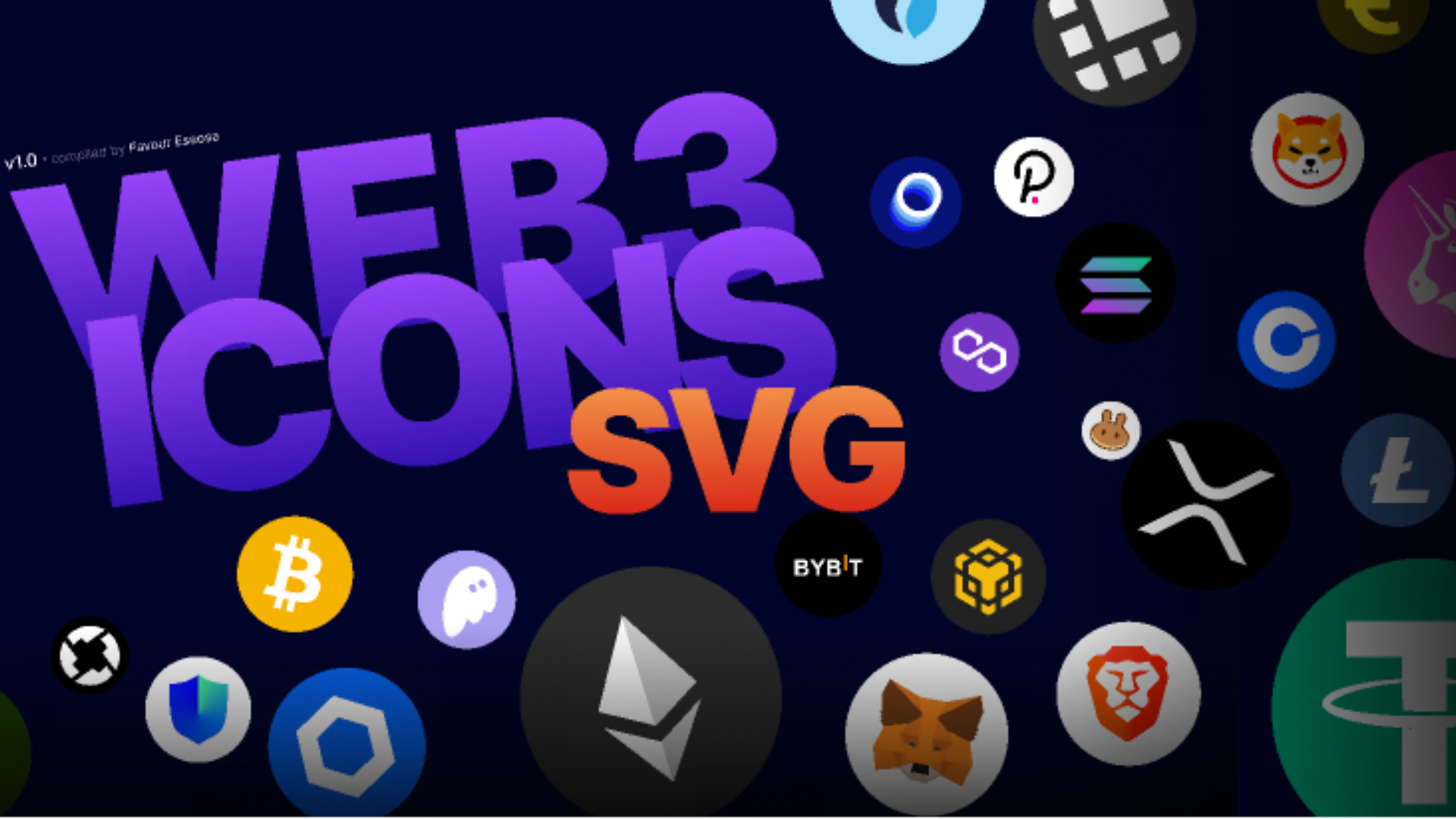
SVG Repo (approximately 500,000+ icons): This is a massive library with a huge variety of styles, from simple line icons to complex, multi-colored illustrations. You can download vectors for commercial use, but always double-check the specific license for each icon. Useful Web3/Metaverse icons include representations of blockchain networks, cryptocurrency coins (Bitcoin, Ethereum, etc.), and abstract symbols for decentralized concepts.
Iconbuddy (extensive collection, constantly updated): Iconbuddy aggregates icons from multiple sources, offering a vast and searchable database. They also host a growing number of curated icon sets. Expect to find icons for VR/AR headsets, avatars, digital wallets, and the general aesthetic of virtual worlds. Licensing varies depending on the source icon.
Freeicons.io (over 100,000 icons): Freeicons.io provides a solid collection of SVG icons, PNGs, and vector graphics. The style leans toward clean and modern, making it suitable for many Web3 interfaces. Look for icons representing security (locks, shields), data transfer, and network connectivity.
W3C Design System (limited but high quality): While not a huge library, the W3C Design System offers a set of carefully designed SVG icons adhering to accessibility standards. These are particularly useful for building user interfaces with a focus on inclusivity. Icons cover basic UI elements like buttons, forms, and avatars.
Fluent UI System Icons (Microsoft, over 2,000 icons): Developed by Microsoft, these icons are designed for clarity and consistency. They have a modern, geometric style that would fit well in many metaverse environments. Expect to find icons for communication, data visualization, and common actions.
Material Symbols (Google, over 7,000 icons): Google’s Material Symbols are highly versatile and scalable. They offer a wide range of styles and weights, allowing for customization. Many icons are relevant to Web3, such as those representing data storage, security, and user authentication.
Tabler Icons (over 1,800 icons): Tabler Icons are known for their simplicity and clarity. They’re designed to be easily understood and adaptable to different contexts. You’ll find icons useful for representing digital assets, transactions, and network connections.
Simple Icons (over 2,000 icons): As the name suggests, Simple Icons offers a collection of minimalist icons. These are great for projects that require a clean and understated aesthetic. Search for icons representing popular blockchains, cryptocurrencies, and metaverse platforms.
Essential Tools for Web3 & Metaverse SVG Integration
Vector-based design tool · Real-time collaboration · Extensive plugin ecosystem
Figma is a powerful, free-to-use design tool that allows for easy creation and export of SVG assets, making it ideal for integrating custom icons into your projects.

Comprehensive guide to Adobe Illustrator · Focus on setup, editing, and export processes · Suitable for beginners
This guide provides the foundational knowledge needed to effectively use Adobe Illustrator for creating and exporting SVG icons, ensuring professional results for your Web3 and Metaverse projects.

Step-by-step instructions for Inkscape · Covers logo and illustration creation · Focuses on creating print-ready artwork
Inkscape is a free and open-source vector graphics editor, and this guide offers a clear path for beginners to create and export custom SVG icons without the need for costly software.
![CorelDRAW Graphics Suite 2026 | Education Edition | Graphic Design Software for Professionals | Vector Illustration, Layout, and Image Editing [PC/Mac Download]](https://m.media-amazon.com/images/I/71WmyPtpxbL._AC_UY654_QL65_.jpg)
Professional vector illustration tools · Comprehensive layout and image editing capabilities · Available as an education edition
CorelDRAW Graphics Suite offers robust vector editing capabilities essential for designing and customizing high-quality SVG icons for professional Web3 and Metaverse applications.

Free online vector graphics editor · Intuitive user interface · Supports SVG export
Vectr is a user-friendly, free online tool that simplifies the process of creating and editing SVG icons, making it accessible for quick integration into your Web3 and Metaverse projects.
As an Amazon Associate I earn from qualifying purchases. Prices may vary.
Iconbuddy's workflow tools
Iconbuddy distinguishes itself with a robust plugin ecosystem designed to integrate seamlessly with popular design and development tools. They offer plugins for Figma, VS Code, Framer, WordPress, and Chrome, aiming to streamline the icon import process.
The potential benefits are significant. Direct integration means designers can browse and insert icons directly into their Figma projects without downloading and managing separate files. Developers using VS Code can access icons directly within their editor, simplifying code integration. The WordPress and Chrome extensions offer similar convenience for web developers.
By 2026, I expect these plugins to be even more sophisticated, potentially offering features like automatic icon optimization, color adjustments, and even component creation. While the current state of these plugins is good, their future development promises a truly frictionless workflow for Web3 and metaverse creators.
SVG Repo: Search and Customization
SVG Repo’s sheer size can be overwhelming, but its search functionality is surprisingly effective. Users can search by keyword, tag, or even color, narrowing down the vast library to find the perfect icon. They also allow searching by the number of paths, which can be useful for optimizing SVG file size.
While SVG Repo doesn't offer extensive built-in SVG editing tools, it does provide the option to download icons in both mono and multi-color formats. This allows for some basic customization, such as changing the color of individual elements. However, more complex edits will require a dedicated SVG editor.
One area where SVG Repo could improve by 2026 is its search algorithm. Refining the search to better understand semantic meaning (e.g., distinguishing between a 'coin' and a 'cryptocurrency') would significantly enhance the user experience. More advanced filtering options would also be a welcome addition.
Freeicons.io: Illustrations and Beyond
Freeicons.io differentiates itself by offering not only SVG icons but also illustrations and stock photos. This broader asset library can be incredibly valuable for Web3 and metaverse projects that require more than just simple icons – think landing pages, marketing materials, or even in-world assets.
The quality of their illustrations is generally high, though it doesn’t quite reach the level of dedicated illustration platforms. However, for quick and easy access to complementary graphics, Freeicons.io is a solid option. The illustrations often complement the icon styles, maintaining a consistent visual aesthetic.
Freeicons.io also allows users to create collections of their favorite assets and even contribute their own designs. This community aspect adds value and ensures a constantly evolving library of resources.
Licensing Considerations: A Quick Checklist
Using free SVG icons doesn’t mean you’re free from legal obligations. Different licenses govern how you can use these assets, and ignoring those terms can lead to copyright issues. It’s crucial to understand the license before incorporating an icon into your project.
Common licenses include Creative Commons (with various levels of restriction) and the MIT License. Creative Commons licenses often require attribution – meaning you need to credit the original author. The MIT License is more permissive, allowing for modification and commercial use without attribution, but it typically requires including the original license notice.
Here’s a quick checklist to guide you: 1. Does the license require attribution? 2. Can I modify the icon to fit my project’s style? 3. Can I use the icon in a commercial project without restrictions? 4. Does the license cover redistribution of the icon as part of my project? Always read the full license terms to be sure.


No comments yet. Be the first to share your thoughts!